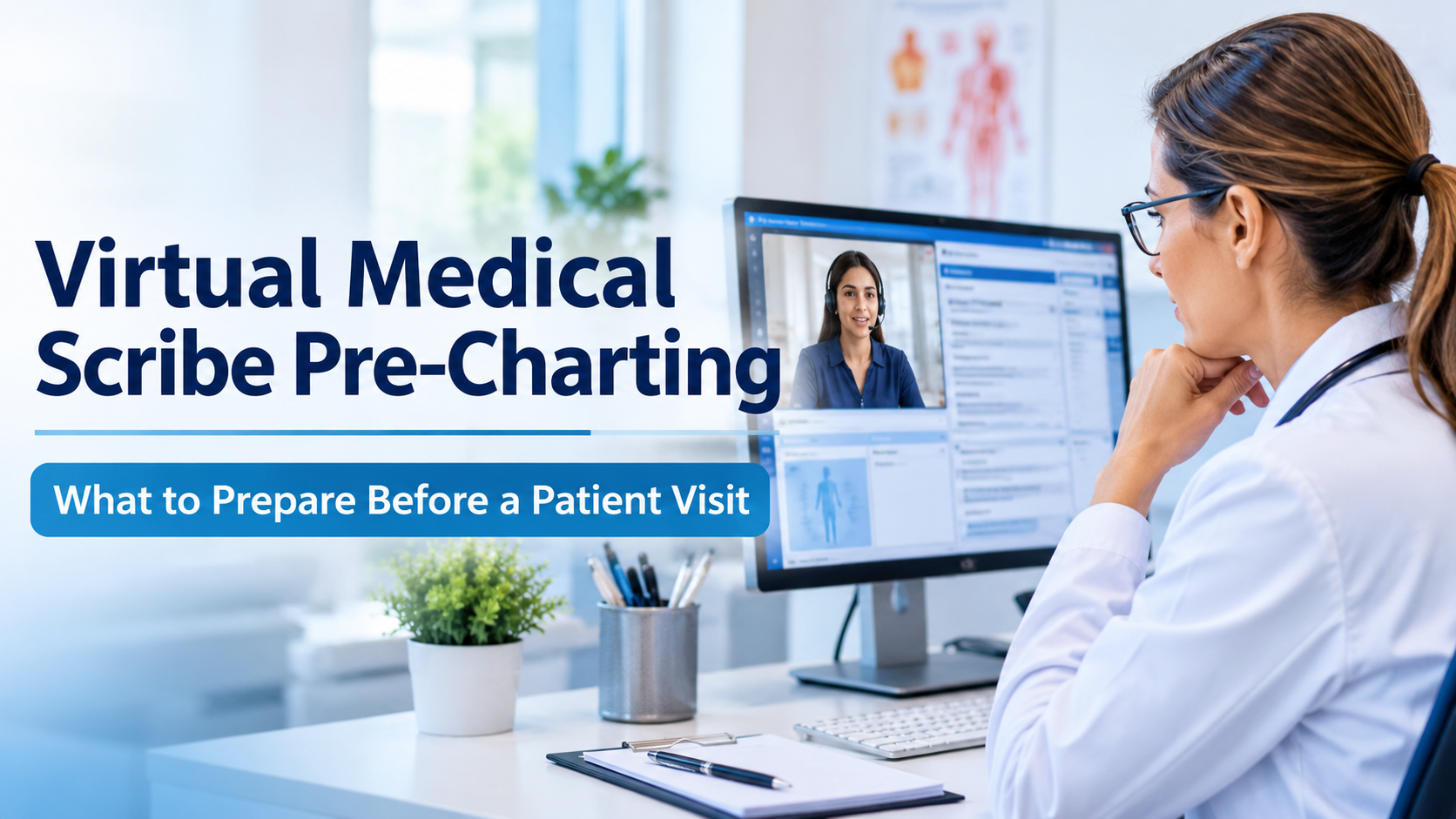
Integrating Virtual Medical Assistants (VMAs) into existing healthcare teams is a strategic move that can significantly enhance the efficiency and effectiveness of medical practices. However, for the integration to be successful, it requires careful planning, clear communication, and strategic training. Here are some best practices provided by Chase Clinical Documentation to ensure a smooth transition and effective collaboration between VMAs and healthcare professionals. 

Clearly Define Roles and Responsibilities 

1. Clarify the Scope of Work 

  • Define specific tasks that the VMA will handle. Common tasks include scheduling appointments, managing patient data, handling billing and coding, and responding to patient inquiries. 
  • Ensure that these tasks are well understood by all team members to prevent overlap and confusion. 

2. Set Expectations 

  • Communicate the capabilities and limitations of the VMA to the healthcare team. This clarity will help set realistic expectations and foster a better working relationship. 

Provide Comprehensive Training 

1. Technical Training

  • Train staff on how to interact and cooperate with the Virtual Medical Assistant. This includes understanding how to input and extract information, how to command the VMA, and troubleshooting basic issues. 
  • Focus on the specific software or platform the VMA operates on to ensure all team members are comfortable using it. 

2. Workflow Integration 

  • Demonstrate how the Virtual Medical Assistant fits into the existing workflows. Provide practical examples and simulations to help staff understand how to incorporate the VMA into their daily tasks. 
  • Regularly update training materials to include new features and updates of the VMA software. 

Foster Open Communication

1. Regular Feedback Loops 

  • Establish regular check-ins to discuss how the VMA is performing and address any issues that team members may encounter. 
  • Encourage staff to provide feedback on their experience with the VMA to continually optimize its functionality and integration. 

2. Support from Leadership 

  • Ensure that leadership supports the integration process by actively participating in discussions and decision-making regarding the Virtual Medical Assistant. 
  • Leadership should also champion the benefits of the VMA to help encourage acceptance and enthusiasm among the team. 

Customize VMA Features to Fit Team Needs 

1. Adjustability and Customization

  • Work with providers like Chase Clinical Documentation to customize the VMA’s features according to the specific needs of the practice. 
  • Adjust settings and tasks handled by the VMA as the team evolves and its needs change. 

2. Integration with Existing Systems 

  • Ensure the Virtual Medical Assistant is fully compatible with existing systems such as electronic health records (EHRs), practice management software, and other tools used by the healthcare team. 
  • Seamless integration reduces friction and enhances user experience, making it easier for the team to adopt the VMA. 

Monitor and Evaluate Performance 

1. Performance Metrics 

  • Establish clear metrics to evaluate the VMA’s impact on practice efficiency, patient satisfaction, and team workload. 
  • Use these metrics to make informed decisions about ongoing adjustments or additional training needs. 

2. Continuous Improvement 

  • Treat the integration of the Virtual Medical Assistant as an ongoing process. Continuously look for ways to improve how the VMA and human team members work together. 
  • Be open to adopting new technologies and updates that enhance the VMA’s functionality and benefit the team. 

Enhancing Team Cohesion and Efficiency 

Integrating a Virtual Medical Assistant into a healthcare team doesn’t just add a technological tool—it reshapes workflows and enhances the capabilities of the entire team. By following these best practices, healthcare providers can ensure that their VMAs not only fit seamlessly into their teams but also significantly boost operational efficiency and improve patient care. With a professional provider like Chase Clinical Documentation, Virtual Medical Assistants can become invaluable allies in the quest to deliver high-quality healthcare. 


Recent Posts

Best Practices for Integrating Virtual Medical Assistants into Healthcare Teams


Healthcare appointment scheduling calendar icon

AI medical scribe vs virtual medical scribe comparison showing a physician using AI documentation
By Chase Clinical documentation • November 17, 2026
Compare AI medical scribe, virtual medical scribe and hybrid options for U.S. practices. Explore costs, accuracy and EHR workflows with Chase Clinical Documentation.
Pediatrician consulting with a mother and child while reviewing digital medical documentation
By Chase Clinical documentation • November 13, 2026
Chase Clinical Documentation provides virtual medical scribes for U.S. pediatric practices, supporting well-child visits, sick visits, follow-ups, and accurate EHR documentation.
Physician After-Hours Charting: How Virtual Scribes Help
By Chase Clinical documentation • November 11, 2026
Virtual medical scribes help physicians manage live encounter notes and reduce unfinished charting. See how U.S. practices can improve documentation workflows.
Physician and medical office staff discussing virtual medical scribe support and clinical workflow s
By Chase Clinical documentation • November 5, 2026
Chase Clinical Documentation explains 8 virtual scribe KPIs US practices can track for note accuracy, turnaround time, EHR workflow, and satisfaction.
Physician verifying patient information in an electronic health record to prevent pre-charting error
By Chase Clinical documentation • November 2, 2026
Prepare patient charts before appointments with a virtual medical scribe for US practices, covering patient history, medications, test results, and EHR workflows.
Physician reviewing a virtual medical scribe service checklist
By Chase Clinical documentation • October 28, 2026
Choose right virtual medical scribe service with 15-point checklist covering documentation quality, EHR integration, HIPAA safeguards, training, and pricing.
Spanish-speaking patient discussing intake information with a medical assistant in a clinic.
By Chase Clinical documentation • October 26, 2026
Improve U.S. patient intake with a Spanish AI Medical Assistant for medical history collection, translated information review, and staff-supported workflows.
Physician discussing a virtual medical scribe workflow with a documentation specialist.
By Chase Clinical documentation • October 23, 2026
Medicare scribe documentation requirements in the USA, including CMS signature rules, physician attestation, and virtual medical scribe workflows.
Orthopedic physician and practice manager discussing clinic operations.
By Chase Clinical documentation • October 16, 2026
Virtual medical scribe for orthopedics: practical guidance on exams, imaging, procedures and follow-up notes for US clinics. Discuss your needs with Chase.
Show More
Medical scheduling and documentation management icon
June 4, 2024

Best Practices for Integrating Virtual Medical Assistants into Healthcare Teams

AI medical scribe vs virtual medical scribe comparison showing a physician using AI documentation
By Chase Clinical documentation • November 17, 2026
Compare AI medical scribe, virtual medical scribe and hybrid options for U.S. practices. Explore costs, accuracy and EHR workflows with Chase Clinical Documentation.
Pediatrician consulting with a mother and child while reviewing digital medical documentation
By Chase Clinical documentation • November 13, 2026
Chase Clinical Documentation provides virtual medical scribes for U.S. pediatric practices, supporting well-child visits, sick visits, follow-ups, and accurate EHR documentation.
Physician After-Hours Charting: How Virtual Scribes Help
By Chase Clinical documentation • November 11, 2026
Virtual medical scribes help physicians manage live encounter notes and reduce unfinished charting. See how U.S. practices can improve documentation workflows.
Physician and medical office staff discussing virtual medical scribe support and clinical workflow s
By Chase Clinical documentation • November 5, 2026
Chase Clinical Documentation explains 8 virtual scribe KPIs US practices can track for note accuracy, turnaround time, EHR workflow, and satisfaction.
Physician verifying patient information in an electronic health record to prevent pre-charting error
By Chase Clinical documentation • November 2, 2026
Prepare patient charts before appointments with a virtual medical scribe for US practices, covering patient history, medications, test results, and EHR workflows.
Physician reviewing a virtual medical scribe service checklist
By Chase Clinical documentation • October 28, 2026
Choose right virtual medical scribe service with 15-point checklist covering documentation quality, EHR integration, HIPAA safeguards, training, and pricing.
Spanish-speaking patient discussing intake information with a medical assistant in a clinic.
By Chase Clinical documentation • October 26, 2026
Improve U.S. patient intake with a Spanish AI Medical Assistant for medical history collection, translated information review, and staff-supported workflows.
Physician discussing a virtual medical scribe workflow with a documentation specialist.
By Chase Clinical documentation • October 23, 2026
Medicare scribe documentation requirements in the USA, including CMS signature rules, physician attestation, and virtual medical scribe workflows.
Orthopedic physician and practice manager discussing clinic operations.
By Chase Clinical documentation • October 16, 2026
Virtual medical scribe for orthopedics: practical guidance on exams, imaging, procedures and follow-up notes for US clinics. Discuss your needs with Chase.
Virtual medical scribe support for efficient clinical documentation
By Chase Clinical documentation • October 15, 2026
Master medical terminology for virtual medical scribes: SOAP notes, HPI, ROS, vitals and EHR tips for U.S. practices. Chase Clinical Documentation guide.
More Posts